
How AI Learns Your Jewelry Design Style: The Taste Profile Explained
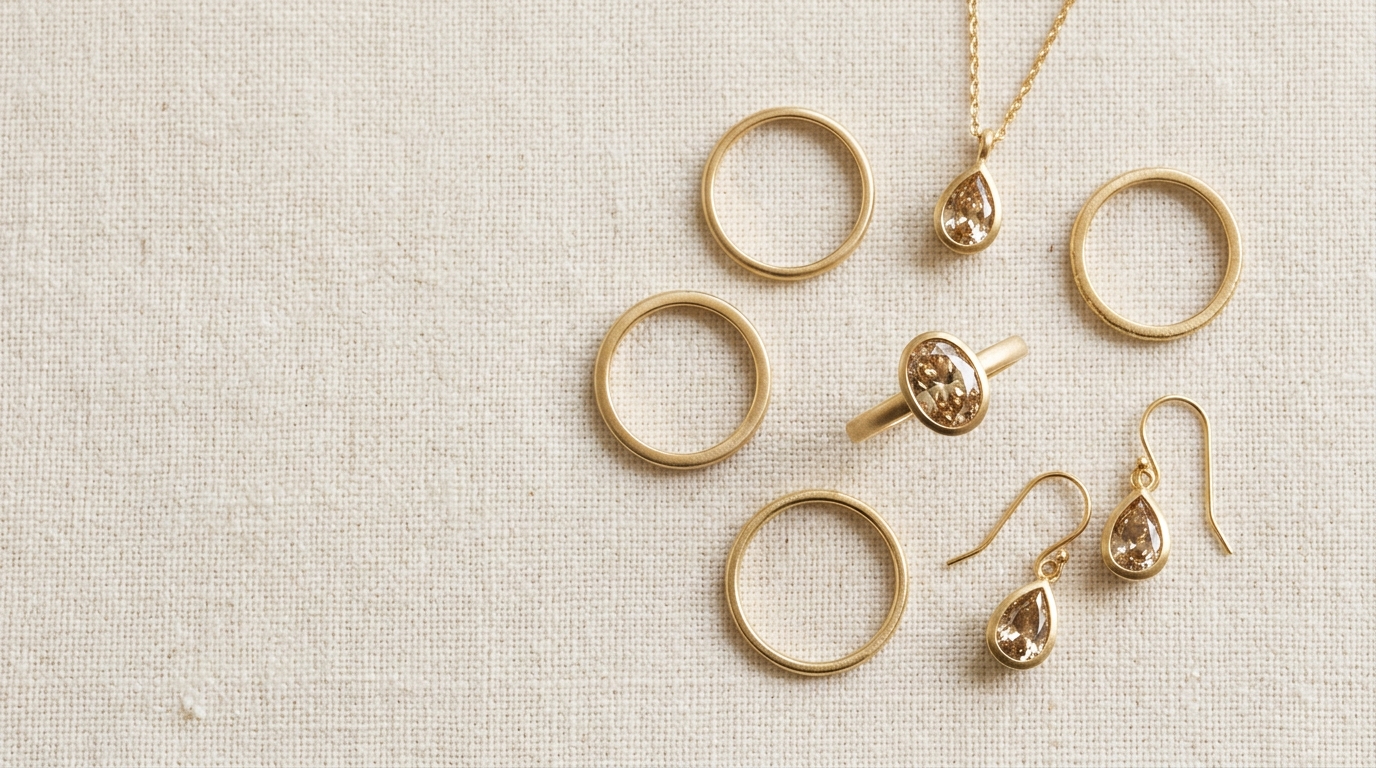
Every jewelry designer has a signature. You probably can't fully articulate it — it lives in the details. The proportion between band width and stone size. Whether you lean toward clean geometric lines or something more organic. How much negative space you leave. How much surface texture.
Your clients can feel it even if they can't name it. And when a new design doesn't quite fit the collection, they'll tell you something is "off" — even if neither of you can say exactly what.
Diatech Studio's Taste Profile is an attempt to make that invisible thing visible.
What the Taste Profile actually is
When you open a project, Studio analyzes all the design images in it and builds a style fingerprint automatically. No tagging, no manual input. It reads the visual patterns across your variations and scores the project on a set of named design dimensions.
Things like intricacy — how densely detailed the design is. Modernity — how contemporary versus classical the aesthetic reads. Warmth — the overall tone and feel. Proportion and scale. These dimensions are scored on a spectrum, and the result is a small chart that shows where this project sits across each one.
It's not a label like "Art Deco" or "minimalist." It's more granular than that — a set of independent scores that together describe the aesthetic in a way that's useful for comparison and guidance.
Seeing individual variations against the project profile
Here's where it gets practically useful. When you select a specific variation in your project, its individual scores appear alongside the project's overall averages.
If one image scores meaningfully differently on intricacy or modernity compared to the rest of the project, that's a signal. It's the one that looks slightly "off" to your eye — and now you can see exactly why. The Taste Profile puts a number to the instinct.
From that view, if a variation's scores diverge too far from the project average, Studio can generate a revised version of that image that nudges it toward the project's overall style — without changing the core design. Same form, same stone arrangement, just shifted in tone or detail to bring it back into the collection's aesthetic range. This runs from the Taste Profile view with the variation selected.
Comparing two projects
You can also compare the Taste Profile of one project against another. Open the profile view from the File menu and select a second project to compare against.
This is most useful when you're working across a collection that spans multiple projects. Are the ring project and the earring project actually aligned? Do they feel like they belong in the same line? The comparison shows you the delta across every dimension — you can see immediately whether the earring project is running more intricate or more contemporary than the rings, and by how much.
It's also useful for client work. If a new client sends you reference pieces they love, you can create a project from those images, run the Taste Profile, and compare it against your existing collections. You get an objective read on how close your current work is to their taste — and where the gaps are.
How this feeds back into generation
The Taste Profile is not just a read-only diagnostic. It integrates with how Studio generates new designs.
When you use Project-Level Instructions to lock a project to a particular brand's style, the Taste Profile provides the underlying aesthetic context that shapes generation. Similarly, when you tag another project in your prompt using the @ symbol, Studio uses that project's visual profile — including its Taste Profile data — as a reference for what to generate.
In practice this means: if you've built a project for a client that has a very clear profile — say, high intricacy, classical proportions, warm metal tones — and you @ that project in a new generation prompt, the AI uses those specific aesthetic weights as a guide. It's not just copying images; it's inheriting the style.
What it can't do
The Taste Profile works best when a project has enough design images to establish a clear pattern. A project with two or three images might produce a profile, but it won't be as reliable as one with ten or fifteen variations that genuinely represent the design direction.
It also works on visual pattern, not concept. It can tell you that a design is highly intricate and warm-toned. It can't tell you it's "inspired by Edwardian filigree." If conceptual attribution matters for your documentation, you still need to write that yourself.
And the named dimensions — intricacy, modernity, and the others — are Studio's interpretations of visual properties. They're useful, but they're not perfect translations of what every designer means by those words. Use them as a guide and a comparison tool, not as absolute ground truth.
The part most designers don't use yet
The Taste-Profile-Guided Generation — where Studio auto-generates a revised version of an outlier image to nudge it toward the project average — is probably the least-discovered feature in this whole system.
Most designers notice the profile chart and move on. But the actual action is in selecting a specific variation, seeing that it's diverging from the project's average scores, and letting Studio fix the aesthetic drift without changing the design itself. That's the part worth trying on your next collection.
Open a project with six or more variations, go to the Project Taste Profile from the File menu, and look for the image with the biggest score delta from the project average. That's your outlier. Let Studio bring it back in line. The result is usually a cleaner, more coherent collection with less manual revision time.