
Mother's Day Jewelry: How Jewelers Close Custom Orders in the Final Two Weeks
The Two-Week Crunch Is Real
Every jewelry studio has a version of this call. It comes in around May 1st: "I'm looking for something personal for my mom. Maybe her birthstone, or something with the kids' initials? She'd really love something unique." Then you ask the delivery date. "Oh -- her birthday is actually Mother's Day. The 10th."
Nine days.
Custom jewelry on a nine-day timeline isn't a design problem. It's a logistics and approval problem. The design might take you twenty minutes. Getting the client to commit to it? That's where days disappear.
AI Mother's Day jewelry design tools don't just speed up sketching. They change the whole timeline by collapsing the gap between "I have an idea" and "can you show me something."
What Mother's Day Clients Actually Want
The requests are different from an anniversary piece or an engagement ring. Mother's Day jewelry tends to be emotional rather than romantic -- it's about meaning, not luxury. Birthstones are the most common ask: her stone, the kids' stones, a grandmother's stone. After that come family motifs (flowers, birds, intertwined shapes), initials, and personalized charms.
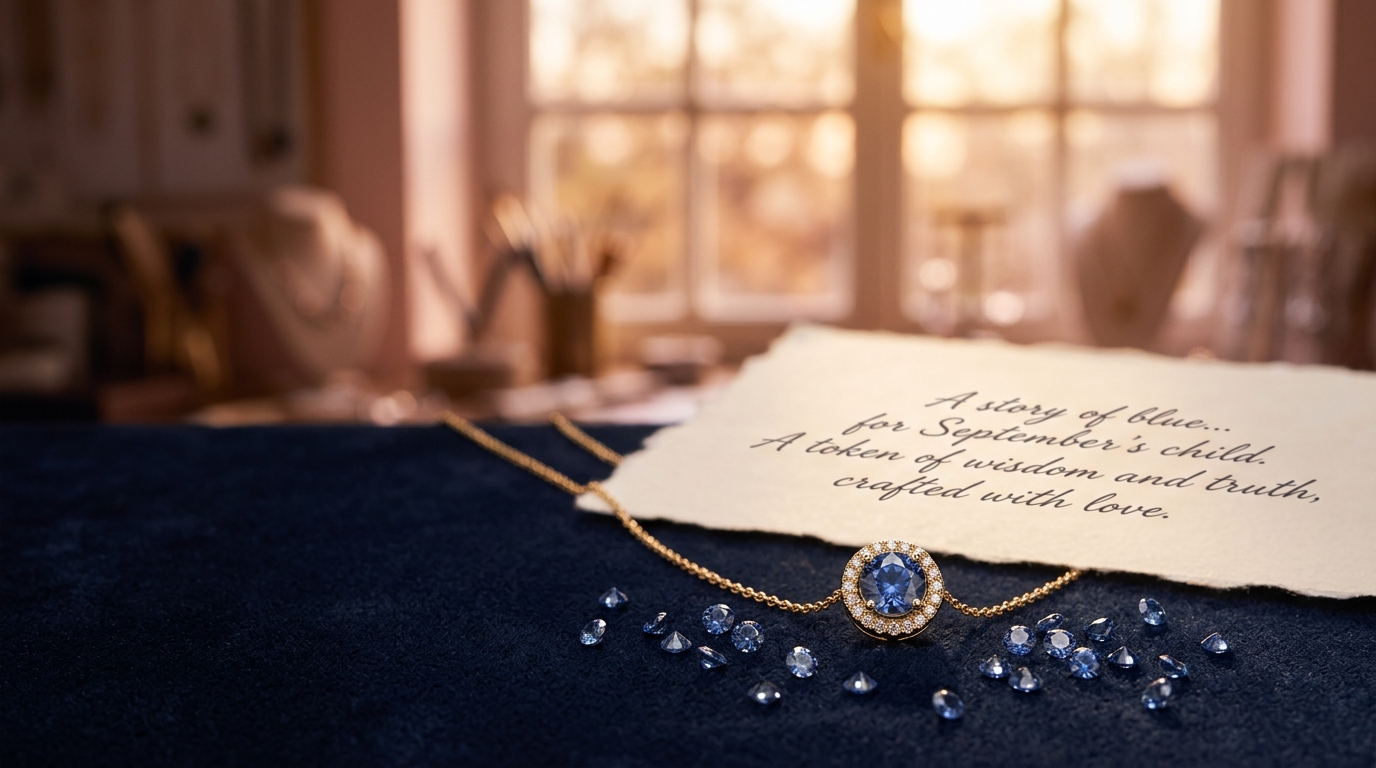
Most of these work really well as AI prompts because they're visual and specific. "A pendant with three sapphires in a cluster, delicate 18k gold chain, minimalist style" gives a generation engine something concrete to work with. The results aren't production-ready CAD, but they're close enough that a client can say "yes, exactly that" or "can you move the center stone up?" -- and that's the conversation you need to have.
Getting From Brief to Visual in Under an Hour
Start with the call notes. If the client described a birthstone pendant with her daughters' stones, you can have four variations in front of them within the hour. Reference images help a lot here -- even a rough Pinterest screenshot makes a real difference in guiding the generation style toward what the client actually has in mind.
The practical workflow: take the brief, write two or three specific prompts, generate a batch, pick the two best outputs, refine with targeted edits if anything's slightly off (a stone color, the metal finish, the chain weight), then generate a lifestyle shot so the client sees it on a person rather than floating in white space.
That last step matters more than most people think. An abstract render is harder to emotionally connect with than seeing the piece at a neckline. For Mother's Day jewelry specifically, that emotional connection is the whole point.
The Approval Problem (And How to Solve It)
The usual failure mode is email. You send three JPEGs, the client replies three days later asking which one was option B, a family member gets CC'd with a different opinion, and suddenly your nine days are down to four with nothing approved.
A shared link changes this. You send one URL. The client views all three options in their browser, clicks on the one they like, and leaves feedback directly on the design. You see it immediately. No forwarded attachments, no version confusion.
For Mother's Day specifically -- where the client is often coordinating with siblings or a spouse who's pitching in on the gift -- this is genuinely useful. Everyone can see the same options, comment on the same image, and you stay out of the family group chat.
Making It Personal Without Starting Over
Say the client approves the general design but wants to swap the center stone from sapphire to alexandrite. Or they love the pendant shape but want an engraved initial added. This is where targeted editing earns its keep. You don't regenerate the whole piece. You lasso the stone, describe the change, apply it in place. The setting, chain, and overall proportions stay the same. The client sees continuity -- not a brand new design they have to evaluate from scratch.
Small changes like these convert "I think I like it" into a confirmed order.
Multiple Angles Close the Sale
One render from the front isn't enough for a piece someone's going to wear every day. Generate a three-quarter view and a close-up of the setting. For a pendant, show it hanging against a neckline. For a ring, show the side profile.
Clients who see multiple views ask fewer questions and commit faster. They've already mentally worn the piece by the time they say yes.
Don't Let the Rush Catch You
The clients who call on May 1st aren't the problem. The problem is running a design-approval workflow built for three-week timelines on a nine-day one.
If you want to test this before the rush hits, start with one brief this week. Generate a few concepts, share the link, see how fast the client responds when the options are actually in front of them. Most studios that try this find that the bottleneck was never the design -- it was always the gap between imagining something and seeing it.