
How Jewelry Brands Maintain Style Consistency Across 500 SKUs
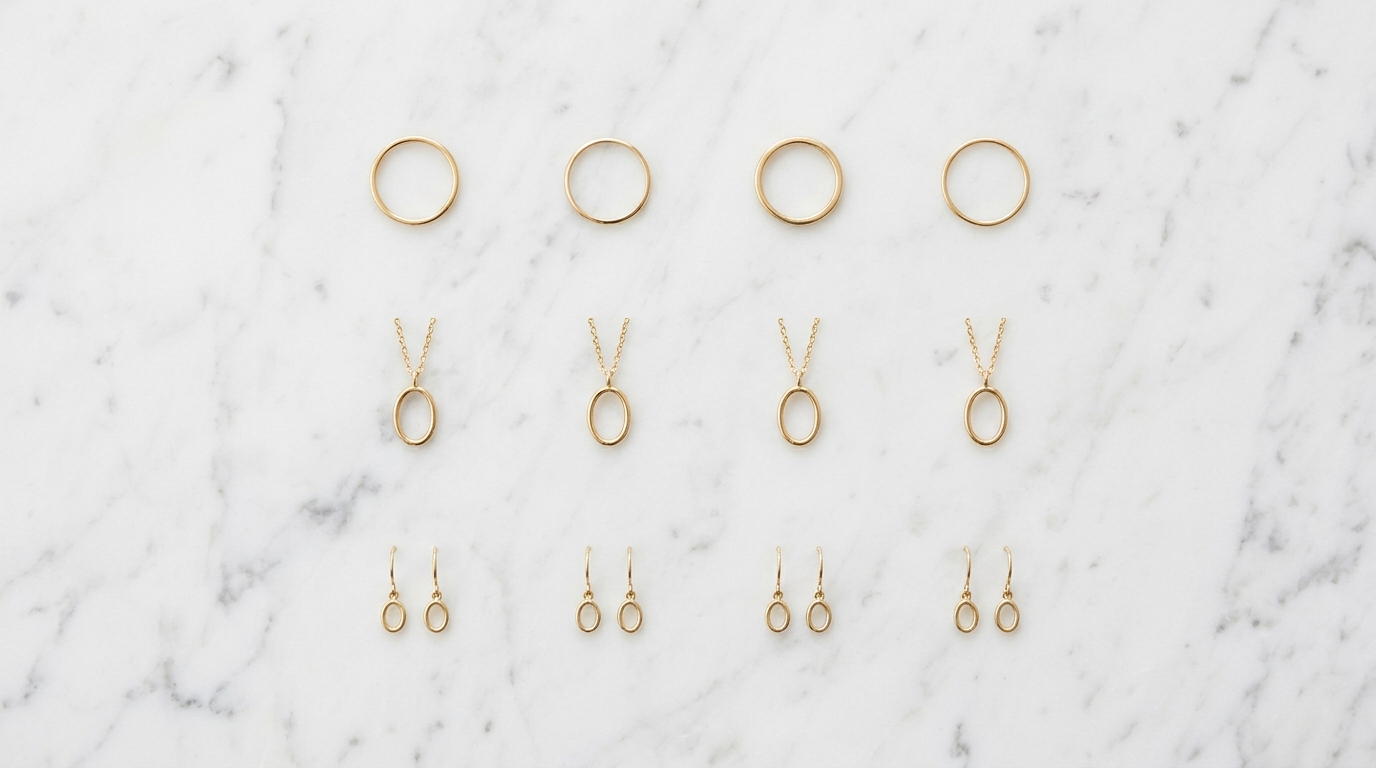
Style consistency is easy when you have ten designs. Every designer who touches the project knows what the collection looks like. The aesthetic reference is in everyone's head and the outputs stay coherent naturally.
At one hundred designs, cracks start to appear. Different team members phrase prompts differently. One designer's idea of "delicate" is heavier than another's. A prompt that reliably produced the right metal tone in February starts drifting in March when someone adjusts the wording slightly. By the time you're at five hundred SKUs across multiple designers and multiple months, the catalog can feel like it was made by five different studios.
This is one of the more underappreciated challenges of AI-assisted design at scale, and it's worth being deliberate about how you address it from the start of a collection rather than trying to fix drift after it accumulates.
Project-Level Instructions: the first line of defense
The most direct tool for style lock in Studio is Project-Level Instructions. Every project can carry a set of persistent instructions that apply automatically to every generation run within that project, without anyone needing to remember to include them in a prompt.
This is where you encode the non-negotiables of a collection or a client's brand. Metal type and purity. Stone shape constraints. Surface finish. Band width conventions. Prong style. Whatever characteristics define the aesthetic and must stay consistent across every SKU.
Once the instructions are set, they run silently in the background. A designer opening the project for the first time and running a generation inherits the full brand context automatically. They can focus their prompt on the specific design details of that SKU without worrying about accidentally drifting on the fundamentals.
Project-Level Instructions can also reference a specific collection by name. When you do this, Studio treats that collection's existing designs as a visual baseline — the aesthetic anchor that every new generation should stay aligned with. The instructions carry the written rules; the collection reference carries the visual ones.
Snippet Manager: consistent language at the prompt level
While Project-Level Instructions handle the baseline that applies to an entire project, the Snippet Manager handles the repeating technical descriptions that designers should be using consistently across prompts.
Left to their own devices, different designers will describe the same finish in different ways. "High polish" and "mirror finish" and "bright polish" and "polished surface" all mean roughly the same thing, but feed slightly different signals to the AI. Over a large catalog, these variations accumulate into visual drift.
The right approach is to agree on the canonical phrasing for each recurring element — your standard metal description, your standard finish description, your standard stone quality descriptor — and save each one as an organization-wide snippet. Every designer on the team uses the same snippet when they need that element, pulled from autocomplete as they type. The language stays consistent because the snippets ensure it.
This is worth spending an hour on at the start of a new collection. Audit the elements that will appear across most SKUs. Write a snippet for each one. Share it at the organization level. The consistency payoff over a large catalog is significant.
Project tagging: visual reference in the prompt
For cases where a design needs to stay visually aligned with an existing piece rather than just following written rules, project tagging brings a visual reference directly into the generation.
In the prompt bar, typing @ lets you select any project by name. The tagged project's images are automatically passed to the AI as visual context alongside your text prompt. If you're generating the fifteenth ring in a collection and want it to stay close in character to the first three, you tag one of those early projects in the prompt. The AI uses the visual information from the referenced project as part of its generation guidance — not just the text.
This is most useful when the style has qualities that are hard to articulate in words. If a collection has a particular way of handling organic curves, or a specific proportion between stone and band that feels right, tagging an existing project communicates that more precisely than trying to describe it.
The Taste Profile as a consistency check
The Taste Profile gives you a diagnostic tool for catching drift before it compounds. After you've generated a set of designs for a collection, run the Taste Profile on the project and look at the individual scores for each variation.
If one variation is scoring significantly differently from the project average on dimensions like intricacy or modernity, that is your drift signal. Something in the generation for that SKU went off in a different direction from the collection baseline. You can then use Taste-Profile-Guided Generation to produce a revised version of that variation that nudges its scores back toward the project average, or use Targeted Edit to adjust the specific element that drifted.
Catching these outliers when a project has twenty variations is straightforward. Catching them when a project has two hundred is where the Taste Profile becomes a genuine quality control tool rather than just an interesting diagnostic.
A practical consistency workflow for large collections
For a collection of this scale, the setup you do at the beginning determines how much correction work you need later. Before generating the first SKU, write the Project-Level Instructions covering every non-negotiable brand characteristic. Create the snippets for every recurring technical element and share them at the organization level. If you have one or two anchor designs that define the collection's visual identity, run their Taste Profiles so you have a baseline to compare against.
As the collection grows, run periodic Taste Profile comparisons across the projects. Use snippet autocomplete for every generation so the language stays consistent. When a designer tags an existing collection project in their prompt, they're pulling the visual baseline forward automatically.
The result is a large catalog that actually looks like it came from a single creative vision — because the tools are keeping it anchored, not because every designer happens to have internalized the aesthetic perfectly on their own.