
Project-Level Instructions: Lock Your Brand Style Into Every AI Generation
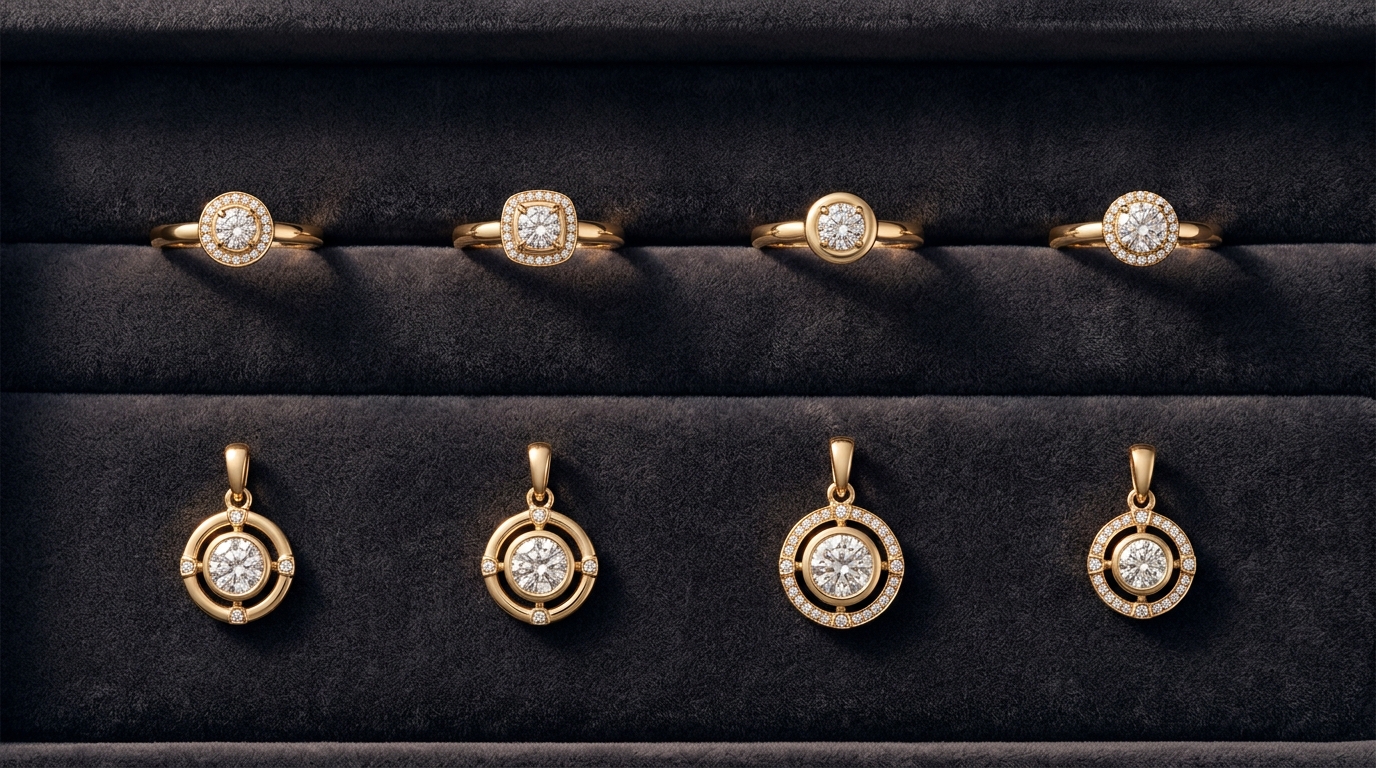
If you've spent any time generating jewelry designs with AI, you've probably hit this problem. You write a great prompt, get a result you love, and then spend the next ten generations trying to recreate that same feel. You add style notes to every new prompt. You reference the same collection name over and over. You build a little ritual of setup text just to keep the output consistent. It works, sort of, but it's tedious and it still drifts.
Project-Level Instructions in Diatech Studio fix this properly.
What Project-Level Instructions Are
Every project in Studio can carry a set of persistent instructions that apply automatically to every AI generation run inside that project. You set them once and they're there every time, invisibly, whether you're using Auto mode, Variation, Targeted Edit, or any other tool.
You don't mention them in your prompt. You don't have to remember to include them. They just run in the background on every generation until you change or remove them.
Think of it like a standing brief for the project. Instead of telling the AI your style context each time, you've already told it at the project level and it keeps that context across every session.
How to Set Them Up
Access Project-Level Instructions from the File menu inside any project. You'll see a text field where you write the instructions in plain language. There's no special syntax, no formatting required. Write it the way you'd explain the brief to a designer.
Something like: "All designs in this project are for the Elara Collection. The aesthetic is modern romantic: delicate structures, organic curves, primarily 18k rose gold with white diamond accents. Avoid heavy geometric shapes or overly ornate detail. Stones should feel soft and feminine, not bold or architectural."
That's it. Every generation in the project now runs with that context loaded. You can still write specific prompts for individual pieces, but those prompts layer on top of the standing brief rather than having to carry the whole style context themselves.
Referencing a Collection for Brand Lock
One of the most useful things you can do inside Project-Level Instructions is reference a specific collection. Studio lets you name a collection in the instructions, and the AI uses it as a style anchor for generation.
This is the recommended way to maintain brand consistency across a large catalog. If you have an established collection with approved designs already in Studio, you can point new projects at it through the instructions and the AI will use those designs as an ongoing reference point. New pieces generate in the spirit of the existing collection without you having to manually pull reference images every time.
For studios managing multiple clients or multiple brand lines simultaneously, this means each project can have its own locked identity. The Elara Collection project generates Elara-consistent designs. The Noir Line project generates something completely different. Same AI, completely different output, because the instructions are doing the work of differentiation.
The Difference Between Instructions and Snippets
It's worth being clear on how these two features relate because they overlap in purpose but work differently.
Snippets are reusable prompt fragments you pull in manually when you want them. They're great for specific techniques or styles you use across many projects but not always. You trigger them from the prompt bar using autocomplete.
Project-Level Instructions are always-on for the specific project they're attached to. You never have to remember to include them. They're the right tool when you want a baseline that applies to everything in a project without exception.
The two work well together. Your instructions set the brand baseline. Your snippets handle specific variations or techniques you want to apply selectively on top of that baseline.
When This Feature Changes Everything
Project-Level Instructions matter most in two situations.
The first is client work. When you're generating designs for a specific client with an established aesthetic, setting up instructions at the start of the project means every generation is already within brand guardrails. Less back-and-forth, fewer misfires, more of your time spent on actual creative decisions.
The second is volume production. When a project is going to run dozens or hundreds of generations across a batch job or an extended design sprint, not having to manage brand context per-prompt is a genuine time saver. The instructions do the consistency work so you can focus on the brief for each individual piece.
It's a small setup step that pays back every time the AI gets the aesthetic right without you having to ask.