
Shopify Jewelry Customization: How to Let Shoppers Design Their Own Piece on Your Store
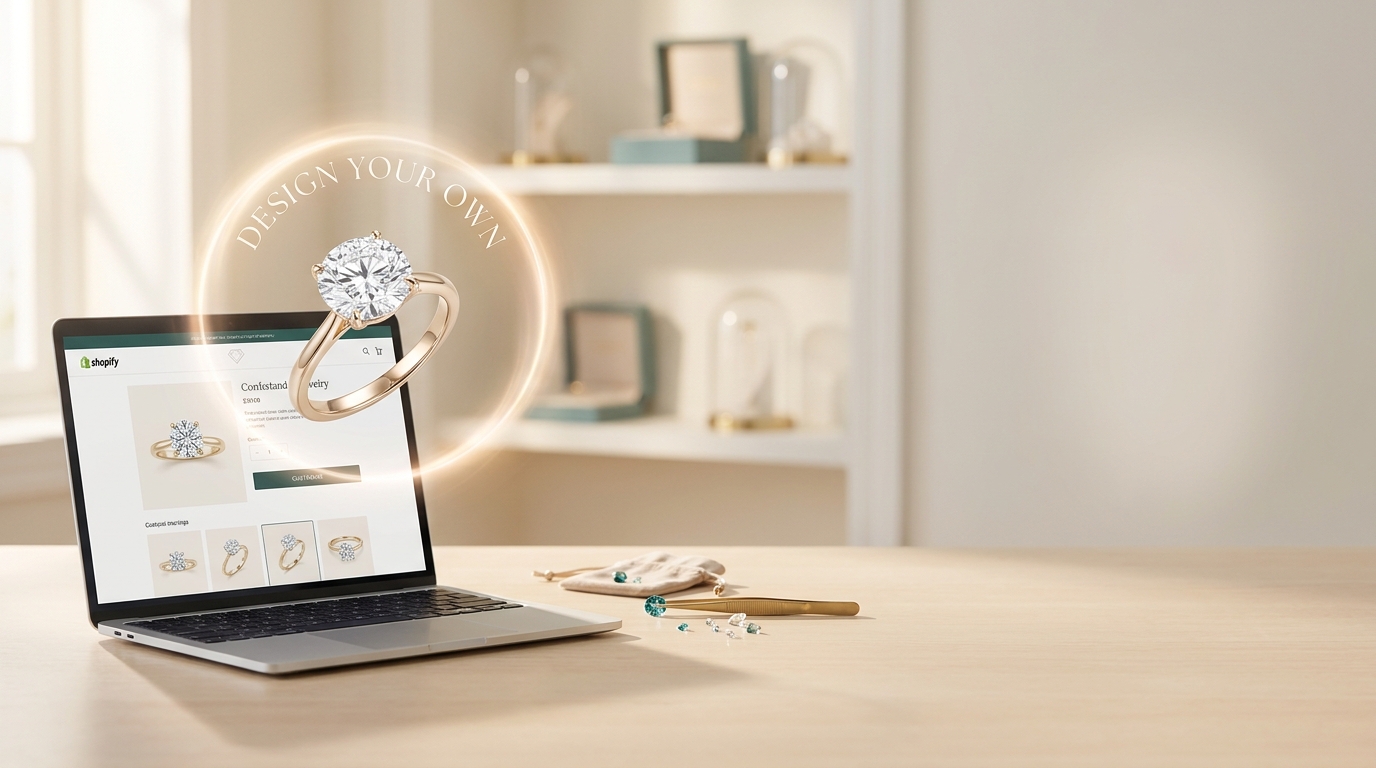
If you sell jewelry on Shopify, you've probably had this conversation. A shopper loves a ring but wants the stone a bit bigger, or the band in rose gold, or "something like this but with a halo." They send an email, or a DM, or they just leave. Shopify jewelry customization shouldn't depend on someone typing out a perfect description and you guessing what they mean.
Diatech Studio has a Shopify option built for exactly this. It lets shoppers design their own version of a piece right on your store, and it hands you a request you can actually price. Here's how it works and how I'd set it up.
What Shopify jewelry customization looks like for a shopper
The shopper sees a "Design your own" button on your store. They click it and start iterating on a design. No account, no sign-in, no app to download.
Where they land depends on where the button sits. On a product page, the experience starts from that product's images, so they're working with the piece they were already looking at. On any other page, like a landing page or footer, they get a blank prompt and can describe whatever they have in mind.
That small difference matters. A shopper who starts from your ring is far more likely to stay close to your catalog than one starting from nothing.
Add the Design Your Own button to your theme
The button is an app block, which means you place it in the Shopify theme editor like any other block. Product pages, footers, landing pages, or any section that accepts app blocks all work.
You can configure the button's style, width, alignment, and label in the theme editor. So if "Design your own" doesn't match your voice, change it to "Make it yours" or "Customize this piece." It's your store, so it should sound like your store.
My suggestion: start with your best-selling product pages. That's where shoppers are already interested, and it's the easiest place to see whether the feature changes anything for you.
From design to a Shopify jewelry customization order
When a shopper is happy with what they've created, they hit "Request this design." That raises a draft order carrying the rendered design and its bill of materials.
Notice what's missing: an automatic checkout. You review the draft order, confirm that the design is something you can make, set the price, and then invoice. You stay in control of what gets built and what it costs, which is the part most jewelers care about when they think about custom work.
It also means the back-and-forth looks different. Instead of "can you do it in 18k?" followed by three emails, you open a request that already shows the design and what's in it.
Smart search results for your Shopify jewelry store
There's a second block worth knowing about. You can place it on your store's search page, and it shows AI-ranked product matches in a row above the theme's normal results.
It uses your theme's own product cards, so it looks like the rest of your store without any custom CSS. And if the lookup is slow or unavailable, the row simply stays hidden and the regular search results carry on as usual. Nothing breaks.
This helps with the vague searches jewelry shoppers love to type, like "delicate gold necklace for a gift." Standard keyword matching can struggle there. Ranked matches give those shoppers a better starting point.
Is it worth setting up?
If you take custom orders at all, I think so. The shoppers who want something slightly different are already telling you what they want. Right now that information probably lives in scattered messages. A design they can see, plus a bill of materials, is a much better place to start a conversation about price.
Here's a simple way to try it:
- Add the Design your own block to one popular product page.
- Rename the button so it fits your brand.
- Watch the draft orders that come in, then decide where else to place it.
Ready to try Shopify jewelry customization on your own store? Open Diatech Studio, set up the Shopify blocks, and put your first button live this week.